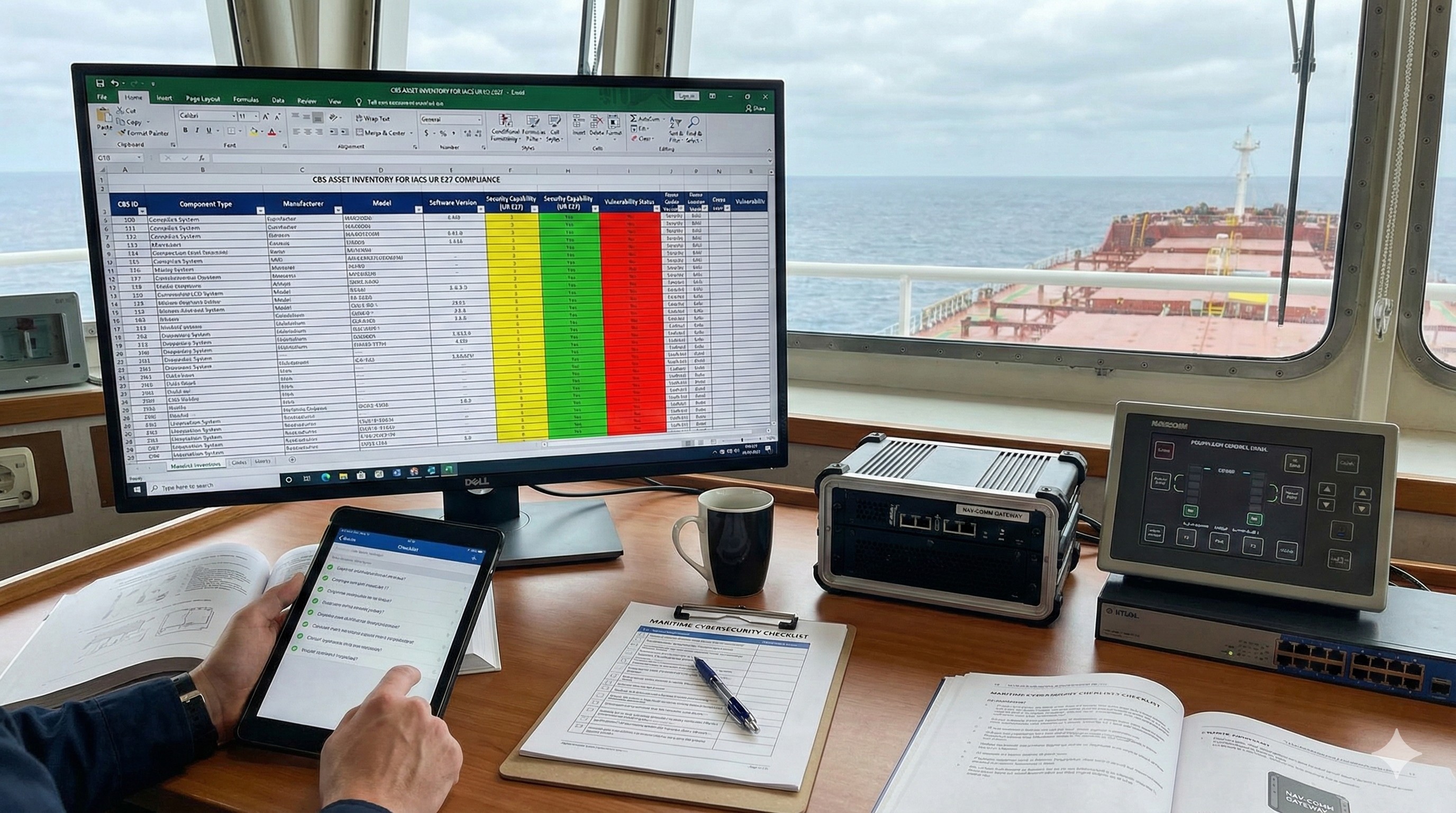
What is CBS Asset Inventory
some text
The CBS Asset Inventory: A Technical Guide for Engineering Leadership
Introduction: The Shift from Hardware to Digital Assets
For decades, the maritime supply chain has operated on the principle of physical reliability. When a Chief Technical Officer (CTO) or Chief Electrician reviewed a Bill of Materials (BOM), the focus was on mechanical tolerances, electrical load, and environmental durability (vibration, heat, humidity). However, with the enforcement of IACS Unified Requirement (UR) E27 on July 1, 2024, the definition of a "complete" system delivery has fundamentally changed.
For ships contracted for construction on or after this date, a piece of programmable equipment is no longer just hardware; it is a Computer Based System (CBS) defined by its digital composition.
The CBS Asset Inventory is the primary documentation deliverable that bridges the gap between a supplier’s engineering team and the shipyard’s compliance obligations. It is not merely an administrative list; it is the foundational dataset required for vulnerability management, network segmentation, and Class approval. Without a compliant Asset Inventory, a system cannot be integrated into the ship’s security architecture, potentially blocking commissioning and delivery.
This article outlines the technical requirements for the CBS Asset Inventory, provides practical recommendations for development teams, and offers template structures compliant with IACS UR E27.
1. Regulatory Definition and Scope
1.1 What is a "CBS"?
Before creating an inventory, engineering leads must determine which components fall under the definition of a Computer Based System. IACS UR E27 defines a CBS as:
"A programmable electronic device, or interoperable set of programmable electronic devices, organized to achieve one or more specified purposes such as collection, processing, maintenance, use, sharing, dissemination, or disposition of information".
This scope includes not only obvious IT assets like servers and workstations but also Operational Technology (OT) such as:
- Programmable Logic Controllers (PLCs)
- Human Machine Interfaces (HMIs)
- Network devices (Managed switches, routers, firewalls)
- Embedded devices (Sensors or actuators with firmware).
1.2 The Purpose of the Inventory
The CBS Asset Inventory serves three critical technical functions in the vessel’s lifecycle:
- Vulnerability Management: It allows the shipowner to cross-reference installed software versions against databases of Known Exploited Vulnerabilities (KEVs) and Common Vulnerabilities and Exposures (CVEs).
- Attack Surface Management: By listing all physical interfaces and protocols, it highlights potential entry points for attackers.
- Integration (UR E26 Compliance): The Shipyard (System Integrator) must compile all supplier inventories into a master Vessel Asset Inventory. If a supplier’s inventory is incomplete, the shipyard cannot complete the vessel-level certification.
2. Data Requirements: What Must Be Documented?
IACS UR E27 (Section 3.1.1) and subsequent Class guidelines (e.g., DNV, ClassNK, ABS) prescribe a specific set of data points that must be included. The inventory is divided into two distinct categories: Hardware and Software.
2.1 Hardware Components
For every physical programmable unit (Host devices, embedded devices, network devices), the following data fields are mandatory:
- Name: The functional name of the equipment (e.g., "Main Engine Control Unit A").
- Brand/Manufacturer: The OEM of the hardware.
- Model/Type: The specific model number or reference.
- Functionality/Purpose: A brief technical description of what the device does (e.g., "Processes sensor inputs for fuel injection").
- Physical Interfaces: This is critical for security. You must list all ports, including:
- Ethernet (RJ45, SFP)
- Serial (RS-232, RS-485, USB)
- Debug/Maintenance ports (often located inside the chassis)
- Wireless interfaces (Wi-Fi, Bluetooth) if present.
- System Software: The underlying operating environment running on the metal. This includes:
- General Purpose OS (Windows, Linux)
- Real-Time OS (VxWorks, QNX)
- Firmware (for embedded PLCs).
- Version/Patch Level: The specific build number of the System Software at the time of delivery.
- Supported Communication Protocols: The language the device speaks (e.g., Modbus TCP, MQTT, NMEA 0183, PROFINET).
2.2 Software Components
For application software and utilities running on top of the System Software, the following must be listed:
- Installation Location: The specific hardware component ID where this software resides.
- Brand/Manufacturer: The developer of the software (this may be the supplier itself or a third party).
- Model/Type: The commercial name of the application.
- Functionality/Purpose: What the software executes (e.g., "HMI Runtime," "Database Service").
- Version: The precise version number of the application.
3. Technical Recommendations for Engineering Teams
Creating a compliant inventory requires a shift in engineering workflows. It is no longer sufficient to list a part number; the digital contents of that part must be exposed.
3.1 Uncover the "Hidden" Software (Dependencies)
A common compliance gap is the omission of third-party dependencies. IACS UR E27 requires documentation regarding "dependent components".
- Recommendation: If your proprietary software relies on an SQL database (e.g., MySQL, SQL Express) or a runtime environment (e.g., Java JRE), these must be listed as separate software components in the inventory. These are frequent vectors for cyberattacks, and the shipowner needs to know they exist to patch them.
3.2 Granularity of Physical Interfaces
Engineers often omit ports intended only for factory programming or service engineers, assuming they are "not used" by the crew.
- Recommendation: You must list all physical interfaces. If a port is intended to be unused, it must be listed and then noted as "Logically Disabled" or "Physically Blocked" in the Configuration Guidelines or Compensating Countermeasures documents. Hiding a port in the inventory constitutes non-compliance.
3.3 Protocol Precision
Simply stating "Ethernet" is insufficient. "Ethernet" is a physical standard, not a communication protocol.
- Recommendation: Specify the exact protocols (e.g., "Modbus TCP on Port 502", "SSH on Port 22"). This information is vital for the System Integrator (Shipyard) to configure the vessel's firewalls and create the Zones and Conduit Diagram required by UR E26. If you do not disclose a protocol, the shipyard may block the traffic, causing system failure.
3.4 Version Control and the SDLC
The inventory is a snapshot in time. However, software changes.
- Recommendation: Integrate the generation of the Asset Inventory into your Secure Development Lifecycle (SDLC). When a firmware update is released, the Asset Inventory version must be incremented. The supplier must have a process to inform the shipowner of these updates and whether they are compatible with the hardware listed in the inventory.
4. Asset Inventory Templates
While Classification Societies do not mandate a single rigid layout, the data fields are prescriptive. The following templates are designed to meet the requirements of DNV, ABS, and ClassNK based on UR E27.
Template A: Hardware Component Inventory
| ID | Component Name | Manufacturer | Model / Type | Description of Function | Physical Interfaces | System Software (OS/FW) | SW Version / Patch | Supported Protocols |
|---|---|---|---|---|---|---|---|---|
| HW-01 | Main Control Unit | Supplier Co. | MCU-X100 | Central processing of alarm signals | 2x RJ45 (LAN)1x RS-4851x USB 2.0 (Service) | Linux Embedded | Kernel 5.10.x | Modbus TCPSSHNTP |
| HW-02 | Operator Panel | ScreenCorp | Touch-15 | HMI for crew interaction | 1x RJ451x SD Slot | Windows 10 IoT Ent | Build 19044 | HTTPSRDP |
| HW-03 | Sensor Gateway | NetBrand | GW-Mini | Protocol converter | 1x RJ454x Serial | Proprietary FW | v2.1.4 | NMEA 0183UDP |
Template B: Software Component Inventory
| ID | Software Name | Manufacturer | Version | Type | Installed On (HW ID) | Description of Function |
|---|---|---|---|---|---|---|
| SW-01 | EngineMonitor App | Supplier Co. | v3.0.1 | Application | HW-01 | Core logic for engine monitoring |
| SW-02 | SQL Express | Microsoft | 2019 | Database | HW-02 | Local storage of logs and trends |
| SW-03 | Remote Agent | ConnectCo | v1.2 | Utility | HW-01 | Remote diagnostics tunnel |
5. Integrating with the Shipyard (UR E26)
It is crucial for development leads to understand where this document goes. You are not just submitting it to Class for Type Approval; you are submitting it to the Shipyard.
The Shipyard (System Integrator) is required under UR E26 to compile a Vessel Asset Inventory. They will take your Excel sheet or PDF and merge it with data from the engine manufacturer, the navigation supplier, and the HVAC supplier.
If your inventory lacks detail (e.g., missing a specific TCP port requirement), the Shipyard cannot design the Logical Topology or configure the Zone Boundary Firewalls correctly. This leads to:
- Integration Failures: The system fails to communicate during commissioning because a firewall blocked an undocumented port.
- Delays: The shipyard rejects the documentation package, delaying milestone payments.
- Security Gaps: Unmanaged devices (like a forgotten unmanaged switch inside a cabinet) bypass network segmentation.
Checklist for Final Review
Before submitting the CBS Asset Inventory, the technical lead should verify:
- [ ] Completeness: Are all programmable devices listed? (No "black boxes").
- [ ] Accuracy: Do the software versions match the actual build being shipped?
- [ ] Interface Visibility: Are all physical ports (including maintenance/debug ports) listed?
- [ ] Protocol Clarity: Are communication protocols specific (e.g., "Modbus TCP" rather than just "Ethernet")?
- [ ] Dependency Transparency: Are major third-party software components (OS, DB, Runtime) identified?
By adhering to these technical standards, suppliers ensure compliance with IACS UR E27 and facilitate a smoother integration process for the shipyard and the ultimate vessel owner.